

Hi there,
I just thought I would let you know that when trying to upload the plugin devkitpro-latest.zip, in a fresh WordPress build.
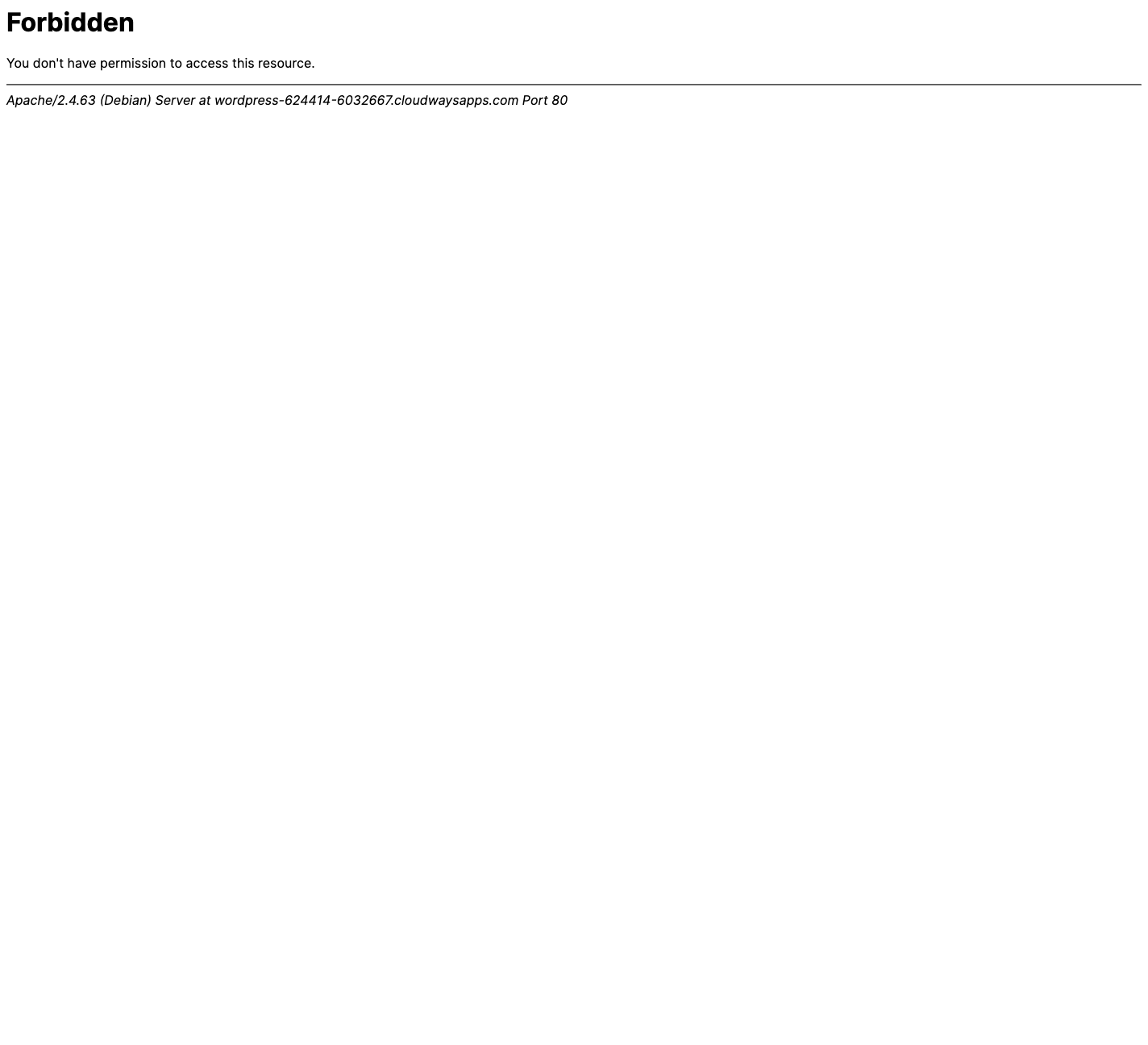
I am getting 403 Forbidden.
See screenshot attached.
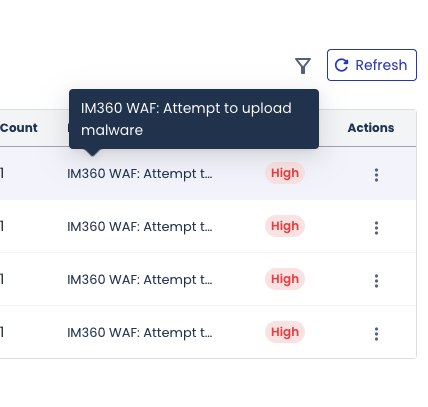
Also I check in my Cloudways account to see if there was any log and can see that it has blocked with the notice: IM360 WAF: Attempt to upload malware
So, not sure what to do, I know I can upload it via FTP but if Cloudways is flagging it, I’m not sure.
Thought I should let you know.
Please let me know if you need anymore information.
Cheers.
Uploaded files:
It is because of Adminer (database manager) that cause this warning, you need to temporary disable the firewall, and upload and then mark it safe for future and re-enable the firewall.
Regards,
Arshad
DPlugins Support
We have updated the database manager to the latest. Kindly download it from our DPlugins dashboard upload it should be installed now.
If any issue occurred, then you need to disable the server side security or ignore the plugin. We can’t do anything further from our side.
This is a tutorial for immunify, you can ask your hosting server provider if it is something else.
https://cloudlinux.zendesk.com/hc/en-us/articles/8611170087196-Why-is-Adminer-detected-as-malware-by-Imunify-and-how-to-resolve-this
Regards,
Arshad
DPlugins Suppor